
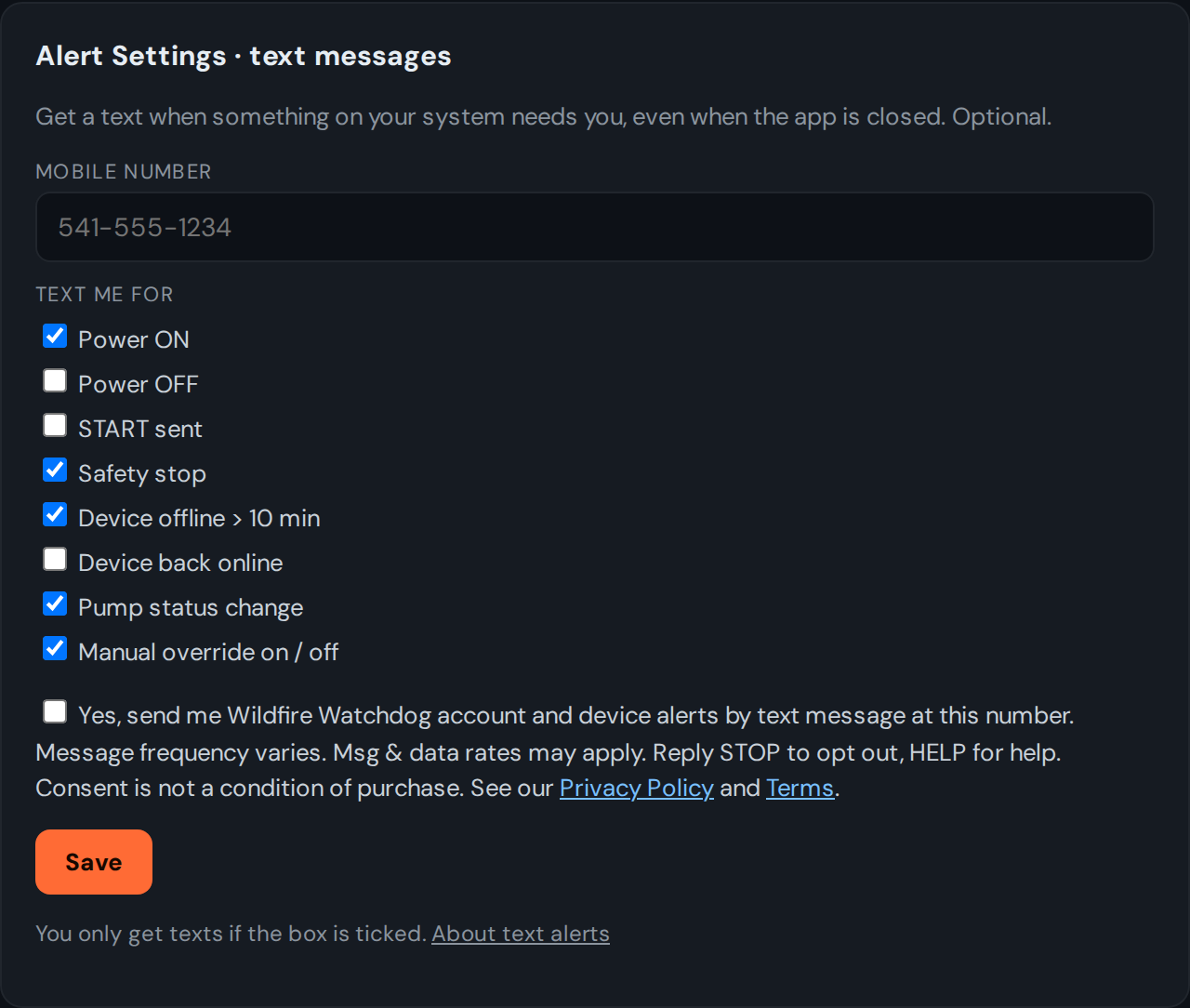
Wildfire Watchdog customers can get text alerts about their own system: Power ON, Power OFF, START sent, Safety stop, Device offline > 10 min, Device back online, Pump status change, and Manual override on / off. You choose which ones on the sign-up form.
How to sign up
- Log in to your Wildfire Watchdog dashboard at https://watchdog.wildfirewatchdog.com.
- Open Alert Settings and enter your mobile number.
- Check the box:
- Click Save. You'll get a confirmation text.
What the sign-up form looks like
This is the Alert Settings form on the dashboard. The consent box is not checked until you check it, and no texts are sent unless it is checked.
Reply STOP to any message to opt out, HELP for help. Message frequency varies. Msg & data rates may apply.